Lessons from Lovable
Bouncing between Lovable and Claude. Lessons from vibe-coding two mobile betting apps.

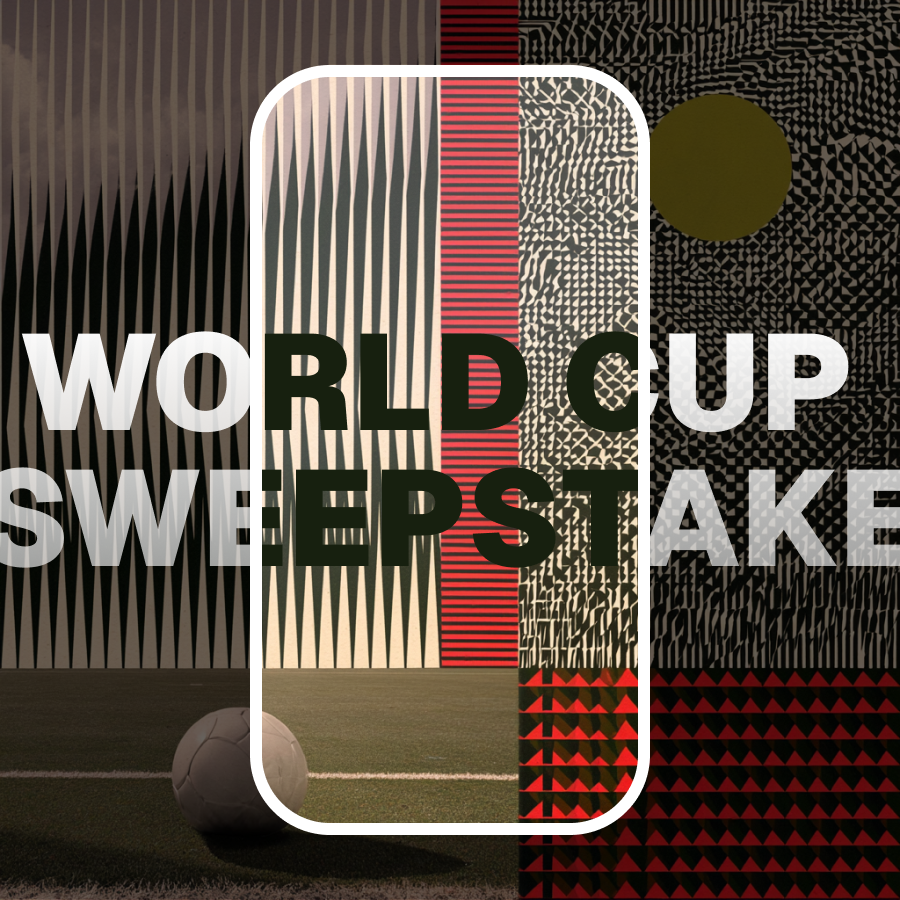

Here's the stack:
Workflow
Both apps were built for mobile, and almost entirely by mobile, since one hand was occupied feeding or settling my newborn son in the early hours of days. Voice memos into Claude initially led to a structured requirements doc in Google Drive. I also planned build phases with Claude before touching Lovable. Batching changes using Claude to write the prompts saved credits and produced better output than one-at-a-time prompting in Lovable.
Claude was also my debugging partner: writing SQL queries to paste into Supabase. In the World Cup Sweepstakes app, this included diagnosing live match status bugs, tracking a silent data-wipe bug caused by a blanket upsert overwriting manual card data every 5 minutes.
I just needed to understand the problem clearly enough to explain it.
Feature Browser
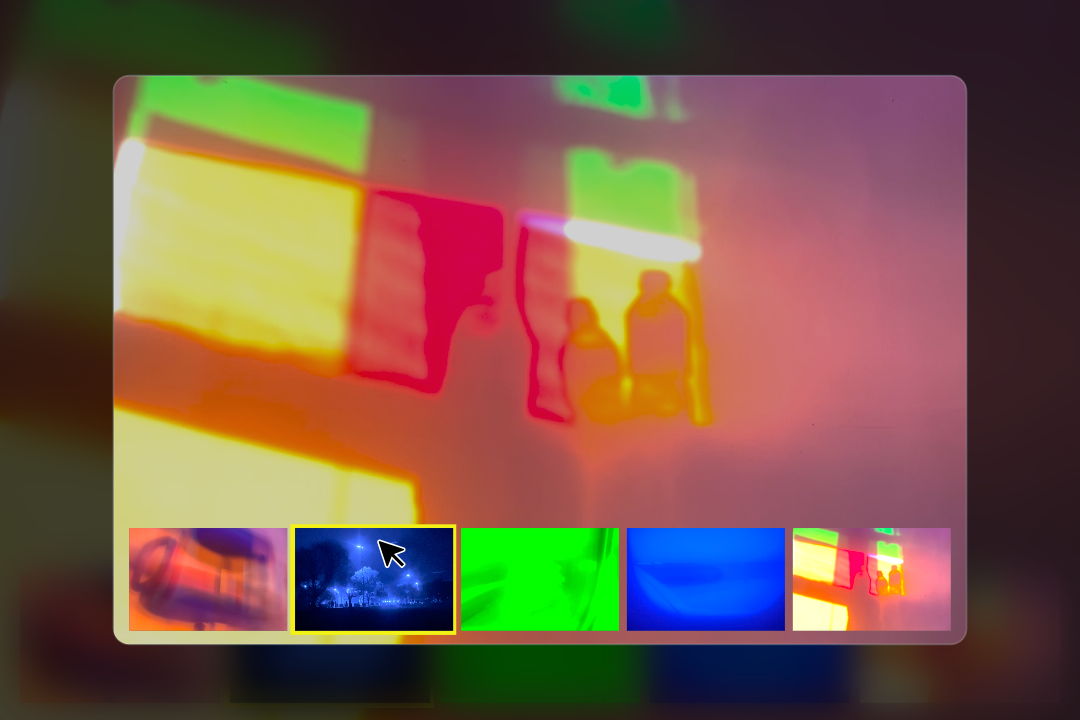
Use the feature browser below to check out some of the results.
While we're on the topic of AI workflows, it's worth pausing here to discuss the development of the browser above.
Since Claude had all of the context for the 2 web apps, I had it generate a features list in a Google Doc and build and populate the backend in Webflow. 73 items written and uploaded in minutes; very satisfying!
I had Claude build the frontend with the help of markdown/skill files for Lumos (Webflow framework) and my variable values. The beautiful difference here is that, unlike Lovable, Webflow offers the granular frontend control.
The Verdict?
Lovable and Claude continue to impress. I loved the workflow. Idea to working prototype is insanely fast. Admitedly, the initial pass at the UI for both apps was tacky, but it just took one (detailed) prompt to achieve for a clean, minimal UI that I was happy enough with. Then I could really leverage the speed of idea to development to iterate fast and layer on UX enhancements.
The iterative loop: Prompt it, use it, identify gaps, fix it, repeat. Fast and satisfying.
I'm not the first to say it, but this is how it is:
- AI app builders are excellent for personal projects and prototyping. Not finished product quality without serious refinement.
- They get you to ~80–90% fast. Very fast. The last 10–20% is where design intuition matters most.
Some of the drawbacks:
- The lack of granular UI control is frustrating. Credits spent on small visual tweaks felt wasteful.
- Component (and code in general) reuse is a problem (e.g. same segmented control built twice as separate components)
- I've not dug deep, but presumably the underlying code quality is untidy.
The industry is changing, so are our roles. Thankfully, I feel more valuable than ever.
Reflection
There's a lot of concern about the future of design. Playing with Lovable made me feel like I know lots of valuable sh*t. When the web was built only by developers, it took some time to realise there was a huge space for designers to step in and occupy, congribute and improve things. More time revealed that we could benefit from specialist designers in UX, UI, motion, copy and so much more. Now, it feels to me like the pendulum is almost swinging back again. With AI by our sides, individuals with a broader reach and less depth, can achieve so much more. UX instinct, UI sensibility, and a surface technical understanding, can build today what would have needed a full team of specialists only a couple of years ago.
The output might need a technical review but I’m talking from the design point of view here and it’s very exciting.